How to Read E-Books for Hours Without Eye Strain
Somewhere between doomscrolling and your third “just one more chapter,” your eyes filed a formal complaint. You’ve already spent all day staring at a laptop or phone screen. Now it’s bedtime; you crack open an e-book, and within minutes your eyes feel like they’re filled with sand. That burning, watery, headachy misery is a sign you’re not reading e-books without eye strain the right way, and it has a clinical name: Computer Vision Syndrome, or CVS. The good news? A handful of simple tweaks can let you read digitally for hours without paying for it later. Here’s exactly what to do.
Follow the 20-20-20 Rule to Cut Eye Strain

Your eye muscles aren’t all that different from your biceps: force them to hold one position for too long, and they cramp up. When you read on a screen, those tiny ciliary muscles lock into a sustained near-focus, and fatigue sets in fast.
Optometry research backs this fix, and it takes almost no effort. Every 20 minutes, look away from your screen at something at least 20 feet away for 20 seconds. That brief shift forces your focusing muscles to stretch and reset; think of it as a micro-break for your eyes. Set a recurring timer on your phone if you have to. It sounds almost too simple to work, but it’s the single most effective habit you can build.
The 20-20-20 rule handles the minute-to-minute fatigue, but for longer sessions, go further. The American Optometric Association recommends a full 15-minute break after every two hours of continuous screen use. Think of the 20-20-20 rule as the quick reset, and this as the deeper recovery your eyes need during a marathon reading session.
Blink More

This is the weirdest tip on the list, but it matters. Under normal conditions, you blink about 15 to 20 times per minute. When you’re reading on a screen? That rate drops to as low as five to seven blinks per minute. Your tear film dries out, your corneas get irritated, and suddenly you’ve got that gritty, burning dry-eye sensation that makes you want to claw your face off.
There’s no app for this; you just have to consciously remind yourself to blink while you read. It feels unnatural at first, but after a few sessions it becomes second nature. Your eyes will thank you.
If you’ve been diligent about blinking and your eyes still feel dry and gritty by the end of a session, over-the-counter artificial tears can help. According to Harvard Health, keeping your eye surfaces moist with artificial tears is one of the most effective ways to counter the dryness caused by reduced blinking during screen use. A single drop before you start reading keeps your tear film stable for longer, especially if you’re in an air-conditioned room, which dries eyes out even faster.
Bump Up Your Font Size and Line Spacing

You know that thing you do when the text is too small where you squint and lean in without realizing it? That reflexive squinting strains your eye muscles and is a fast track to a tension headache.
This is one area where digital reading actually has a massive advantage over print: you can make the text bigger. Increase your font size by one or two points beyond whatever feels “normal,” and widen the line spacing while you’re at it. The extra white space between lines lets your eyes scan words more efficiently and reduces the muscular effort of tracking from one line to the next. It won’t make you read slower; if anything, the reduced strain means you’ll last longer before fatigue kicks in.
Turn On Warm Light and Dark Mode

Blue light doesn’t just tire your eyes; it actively suppresses melatonin, the hormone your brain produces to make you sleepy. Read on a blue-heavy screen before bed, and you’ll push your sleep cycle later, sleep worse, and wake up groggier. It’s a well-documented domino effect.
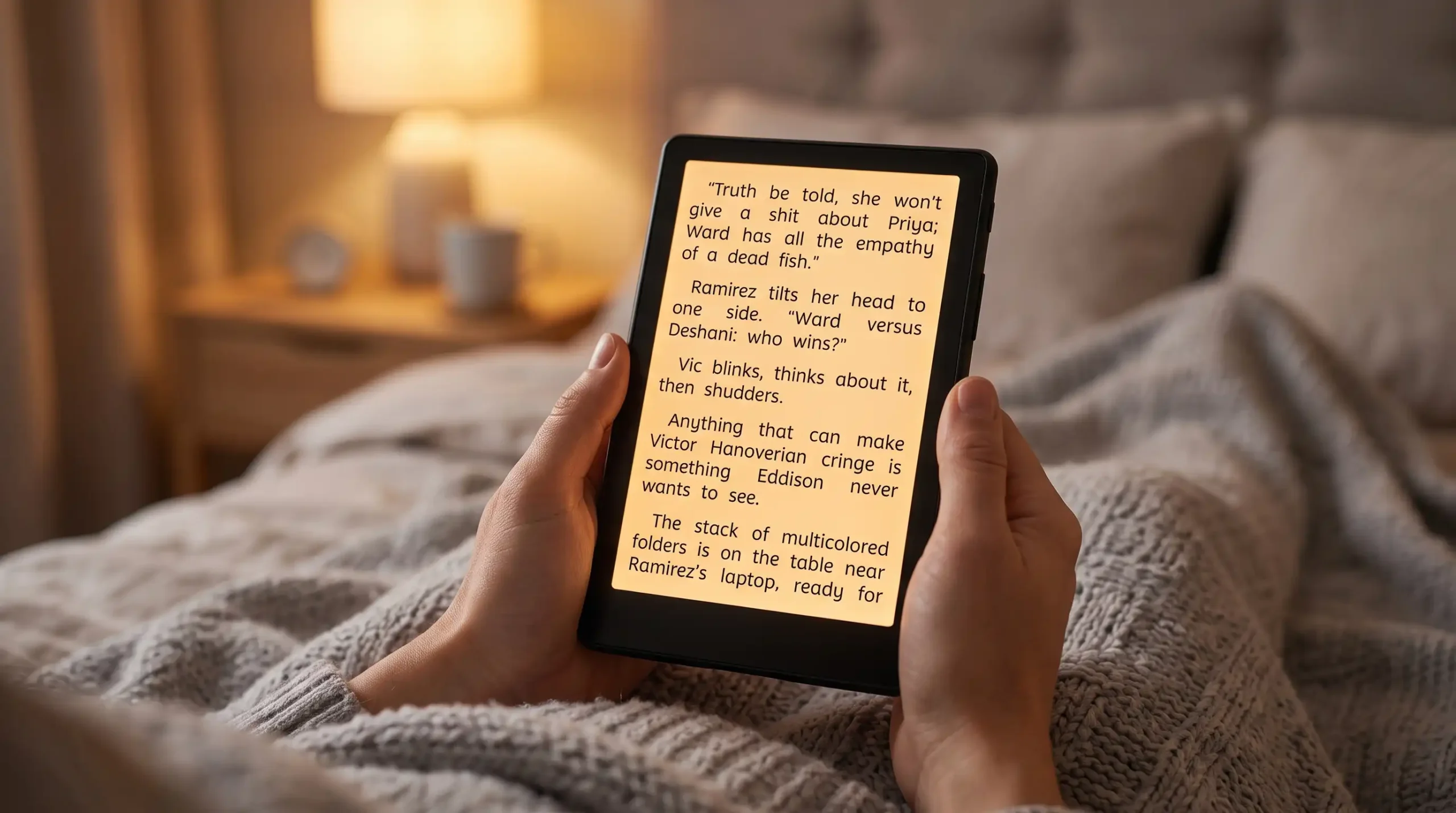
At night, always enable your device’s warm-light mode. On a Kindle, it’s the built-in warm-light slider. On a phone or tablet, look for settings labeled “Night Shift,” “Eye Comfort,” or “Night Shield”; they all do roughly the same thing. Filter out blue wavelengths and shift the display toward an amber tone. While you’re at it, flip your reading app into dark mode (light text on a dark background). The combination of warm light and dark mode dramatically cuts the total amount of light hitting your eyes.
Get Your Screen Distance, Angle, and Light Position Right

Most people hold their phone or e-reader way too close, then wonder why their eyes feel wrecked after an hour. Distance and positioning matter more than you’d think.
Keep your device 16 to 30 inches from your eyes, roughly an arm’s length, and position the screen so the top sits slightly below your natural eye level, angled down about 10 to 20 degrees. According to Ohio State University Wexner Medical Center, reading digital content closer than this range forces your focusing muscles to work harder, increasing strain over long sessions. This positioning also mimics how you’d naturally hold a physical book, which keeps your neck from craning forward and compounds eye fatigue with muscle tension if you get it wrong.
Where you sit relative to light sources matters just as much as how you hold the device. Never position a window, lamp, or the sun directly behind your screen while reading. Backlighting washes out the display’s contrast and forces your eyes to strain harder to make out the text, whether you’re using a phone, tablet, or e-reader. Position that ambient light source beside or in front of you, not behind your screen. A lamp behind the device creates glare and backlighting that washes out contrast.
While you’re adjusting position, take a second look at your contrast setting, not just brightness. Most devices let you tune the two separately, and a 2022 NIH review of digital eye strain found that a contrast level around 60 to 70 percent is the sweet spot most readers find comfortable, high enough that text stays crisp and easy to track, low enough that it doesn’t feel harsh or glaring against the background. Dial in the distance, angle, and contrast together, and you’ve eliminated three separate sources of strain with one quick settings check.
Fix Your Room Lighting

If you’re reading in pitch darkness with nothing but the glow of your screen illuminating the room, stop. Seriously, stop. That extreme contrast ratio between a bright display and a completely dark environment forces your pupils to constantly adjust, and it exhausts your eyes in a hurry.
Keep at least one soft light source on while you read. A dim bedside lamp, a low-wattage nightlight, even a bias light stuck to the back of your headboard anything that brings the ambient light level closer to the brightness of your screen. When the contrast between your display and its surroundings is low, your eyes can relax instead of constantly recalibrating.
Beyond just adding ambient light, Harvard Health recommends going a step further. Adjust your screen’s brightness so it roughly matches the light level in your room. If your display is noticeably brighter or dimmer than its surroundings, your pupils are constantly readjusting every time you glance up, which defeats the purpose of dimming the room in the first place.
Switch to an E-Ink Display to Ease Eye Strain

Here’s the thing about your iPad, tablet, or phone: its LCD or OLED panel fires light directly into your retinas. That backlight, especially the blue-wavelength component, is brutal on your eyes over extended reading sessions.
If you’re serious about long-form digital reading, invest in a dedicated e-reader like a Kindle or a Kobo. E-ink screens reflect ambient light the same way a printed page does, so they look and feel like actual paper. Modern e-readers are also front-lit rather than backlit, meaning the light source sits above the display and bounces off it toward you, instead of blasting straight into your eyes from behind the glass. The difference during a two-hour reading session is night and day.
Not all e-ink is equal, though. Standard black-and-white e-ink displays with a sunken screen design produce the least glare of any digital option, since the recessed panel sits below the bezel. Color e-ink readers, by contrast, use an added color filter layer that makes the display noticeably darker, so they need front light running almost constantly to stay readable, which narrows the glare advantage they’d otherwise have over backlit devices.
E-ink also wins decisively outdoors. Phones and tablets tend to overheat in direct sunlight and can shut the display off, or power down entirely, to protect the hardware. Dedicated e-readers handle sunlight reading far better and rarely suffer this problem, making them the better choice if you read outside often, while a matte-protected phone or tablet remains the better everyday choice indoors.
Recommended Reading
22 Kindle Tips to Boost Your Reading Experience
Once you’ve got the eye-comfort basics locked in, dial in the rest of your reading setup. This roundup covers 22 additional Kindle tweaks, from display settings to hidden shortcuts, that pair naturally with the strain-reduction habits above to make every session smoother and more enjoyable.
E-Readers vs. Tablets – Which Is the Best Device for You?
If tip #7 has you eyeing an e-ink upgrade, this head-to-head breaks down how e-readers and tablets stack up beyond eye comfort, covering battery life, reading experience, and everyday usability so you can decide which device fits your reading habits.